Public Training Classes

Effective online training classes where patient, professional instructors guide you through hands-on exercises to teach applicable skills that improve the quality and creativity of your work so you can accomplish more in less time.
- Hands-on using real-world projects
- Short, focused sessions for busy people
- Fun, lively, engaging sessions
- Plenty of individual attention
Software programs we teach
Office Productivity
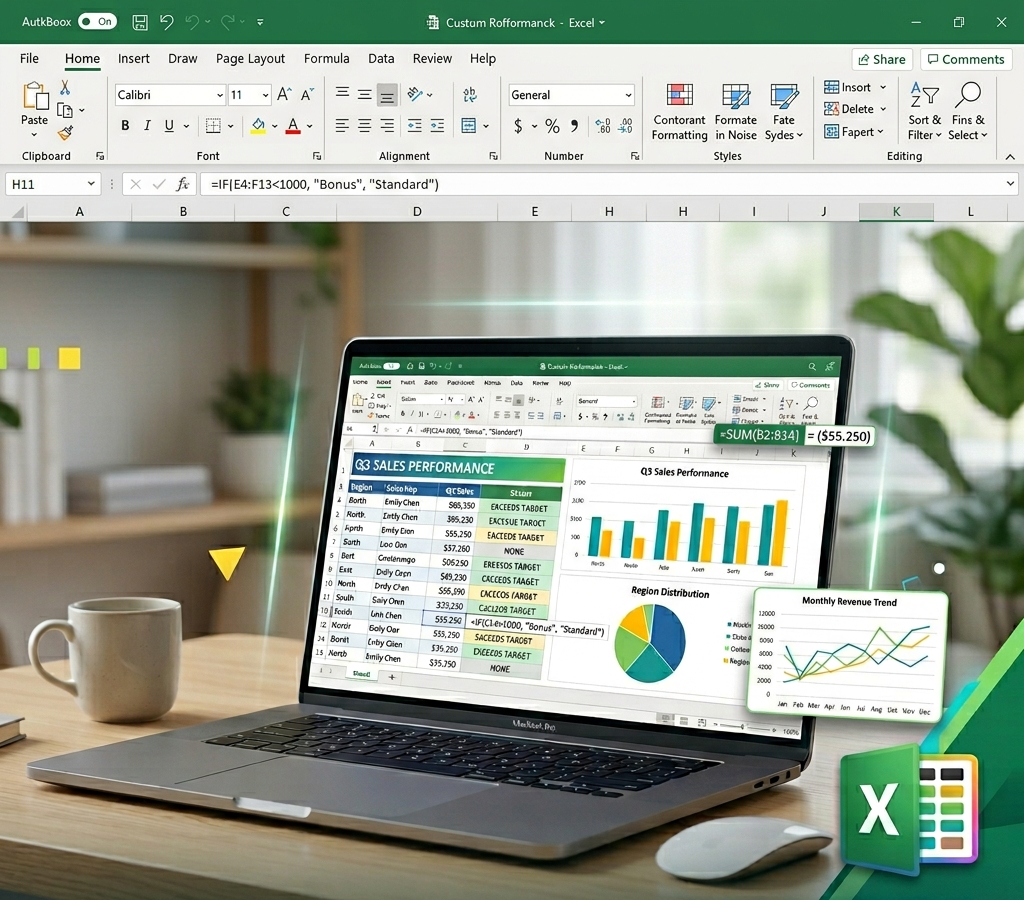
Excel
Microsoft Excel combines powerful spreadsheet, chart and list-management capabilities to form the industry-standard spreadsheet application. You will be learning from patient, experienced trainers on the current version of the software.
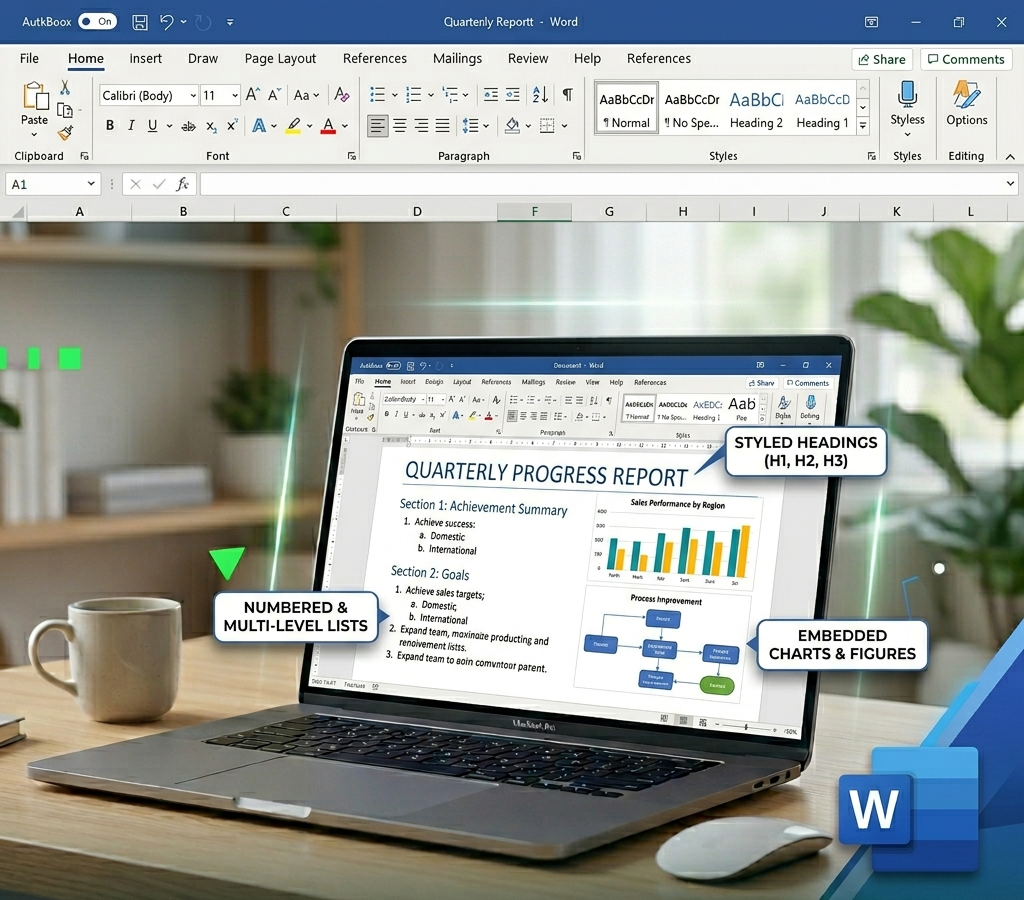
Word
Microsoft Word is the industry-standard word processing application for people in every field. Its text editing capabilities, which facilitate strong writing, combined with its first-rate formatting features, create a powerful document creation tool. You will be learning from patient, experienced trainers on the current version of the software.
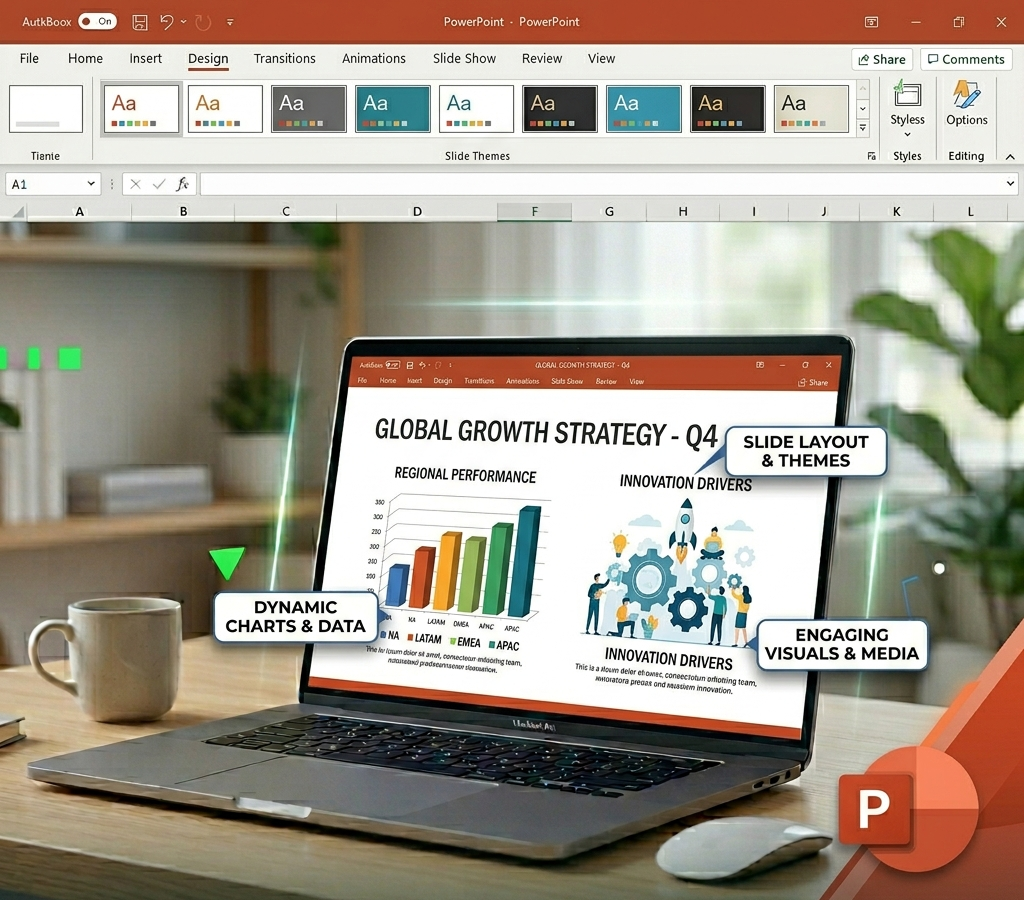
PowerPoint
Microsoft PowerPoint makes it quick and easy to create, update and present attention-grabbing slide shows. Use professionally designed templates, powerful slide masters and easy-to-use SmartArt graphics and charts to build compelling presentations. You will be learning from patient, experienced trainers on the current version of the software.
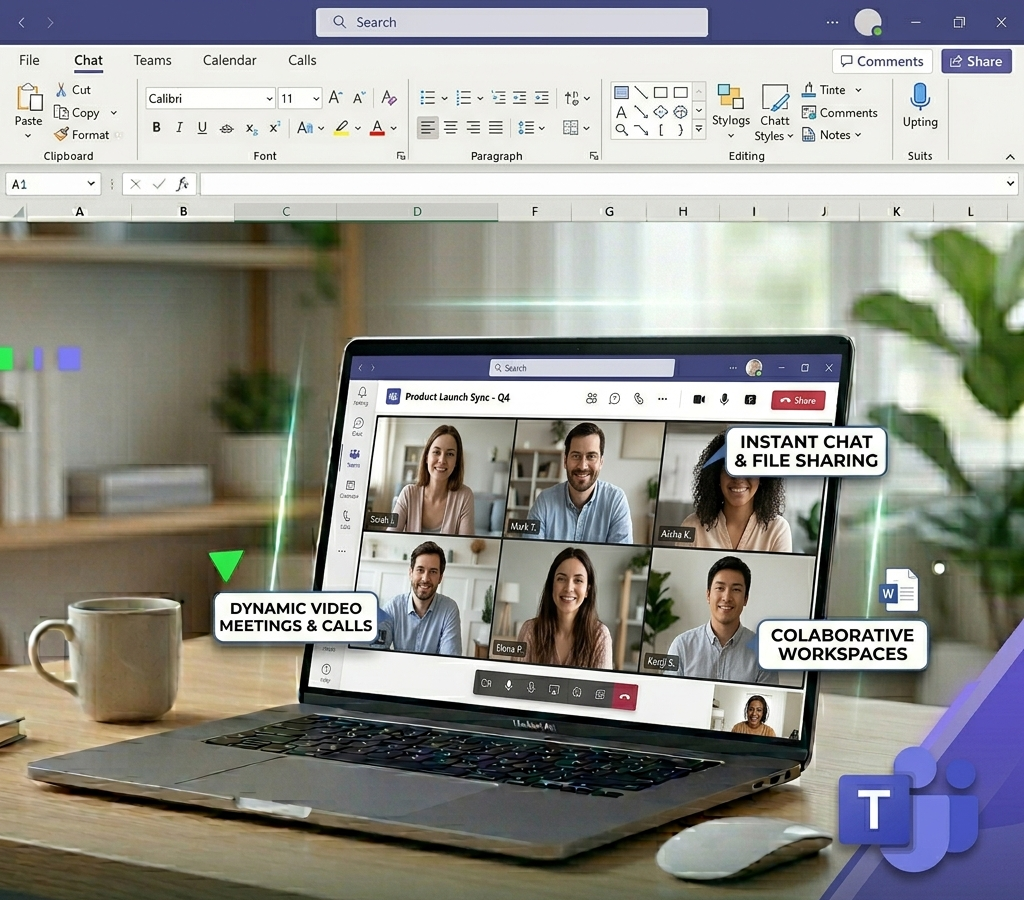
Teams
Microsoft Teams is a cloud-based collaboration platform within the Microsoft 365 suite designed to serve as a centralized digital workspace for hybrid and remote teams. It combines chat, video conferencing, and file sharing into a single application, providing channels for project-based threads, real-time co-authoring of Office documents, AI-driven meeting recaps, and integrations with external software, and is widely used in business, education, government, and nonprofit sectors.
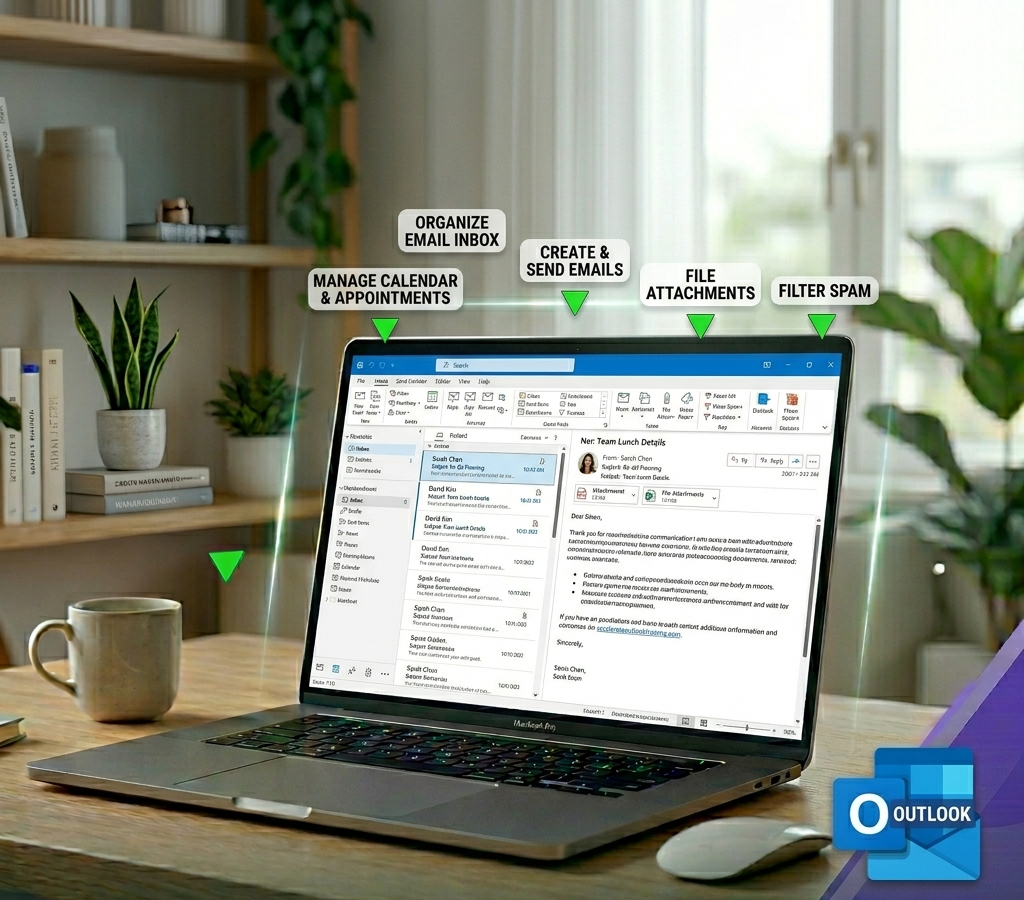
Outlook
Microsoft Outlook combines tools for managing e-mail, contacts, calendar and to-do lists into a well-integrated personal information manager. You will be learning from patient, experienced trainers on the current version of the software.
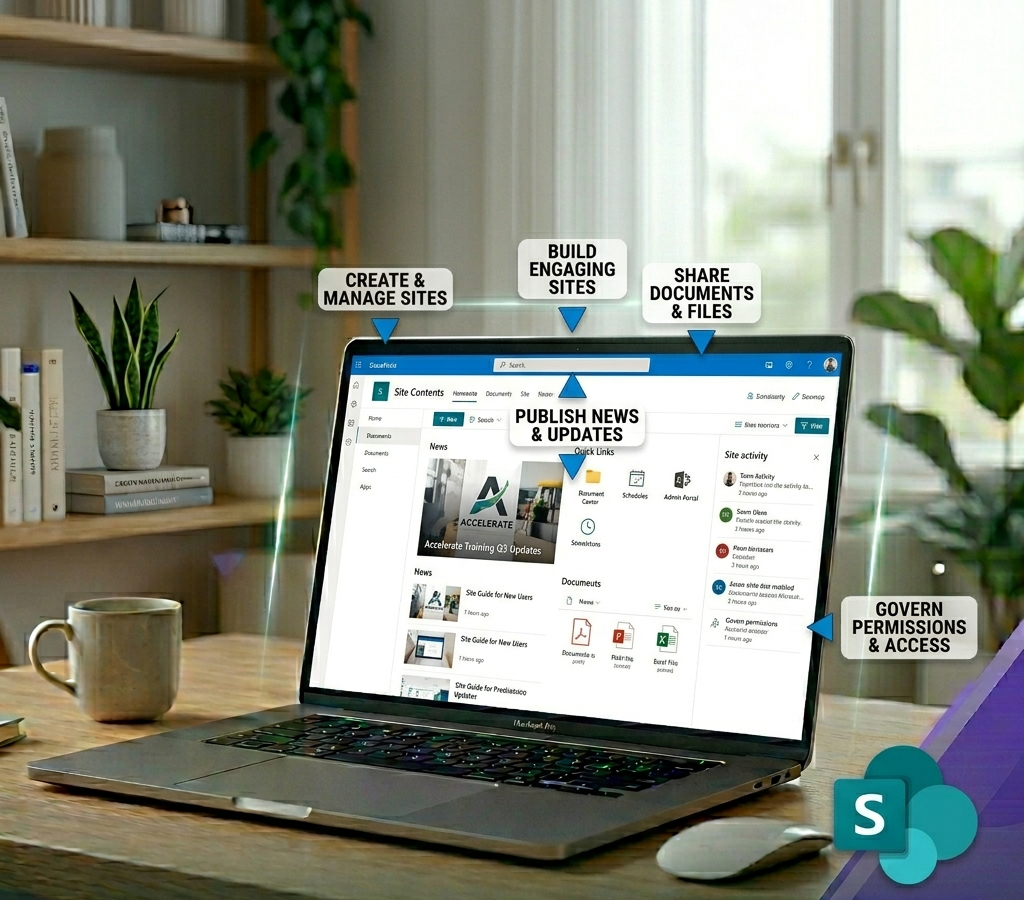
SharePoint Online
SharePoint Online collaboration tools let you build teams and secured websites to organize document libraries, pages, and lists of data. Keep your users informed and let them contribute and collaborate on documents, update calendars and tasks, manage projects and more.
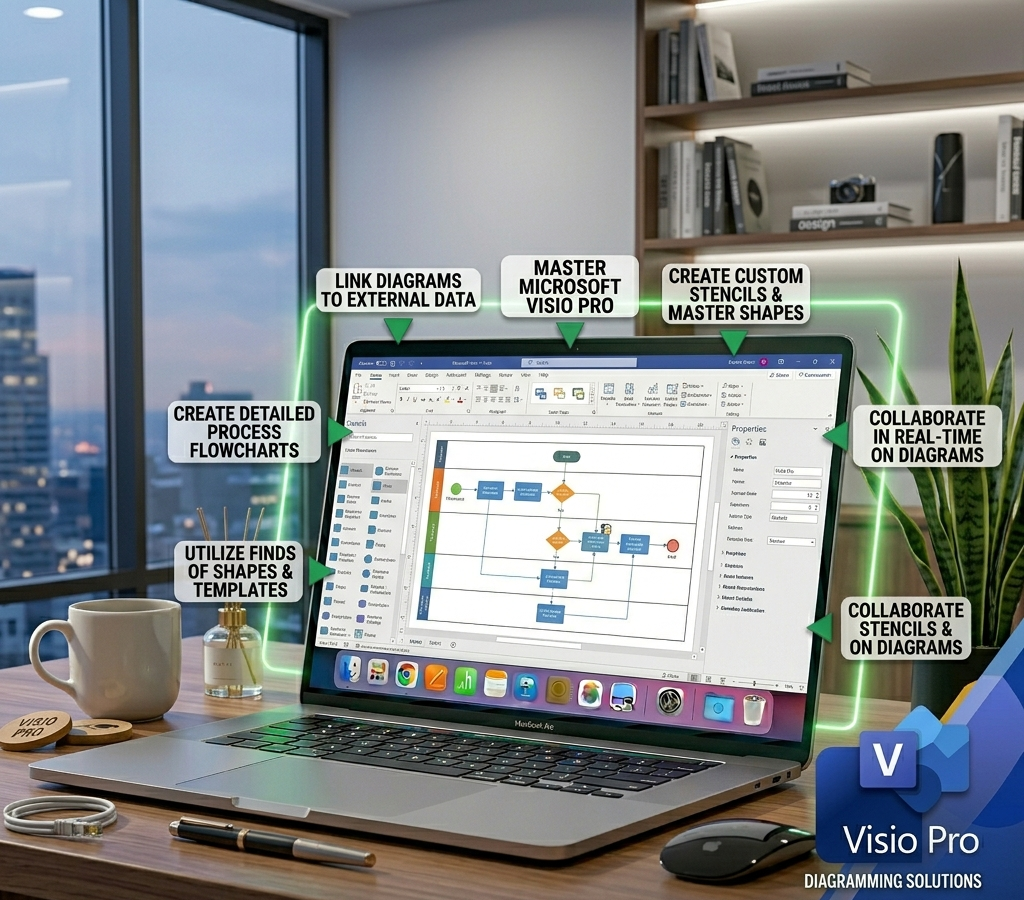
Visio Pro
Visio Professional takes diagramming to a new level with dynamic, data-driven visualization tools and templates and advanced sharing through the Web. Bring the big-picture and real-time data from multiple sources, including Excel, Microsoft SQL Server, and SharePoint lists, together in one powerful diagram. Then see real-time changes to data right within your diagram, displayed through vibrant graphics such as icons, colors and data bars. Using SharePoint integration, you can now easily share your diagrams in real time with anyone, even those who don't own Visio.
Computer Basics
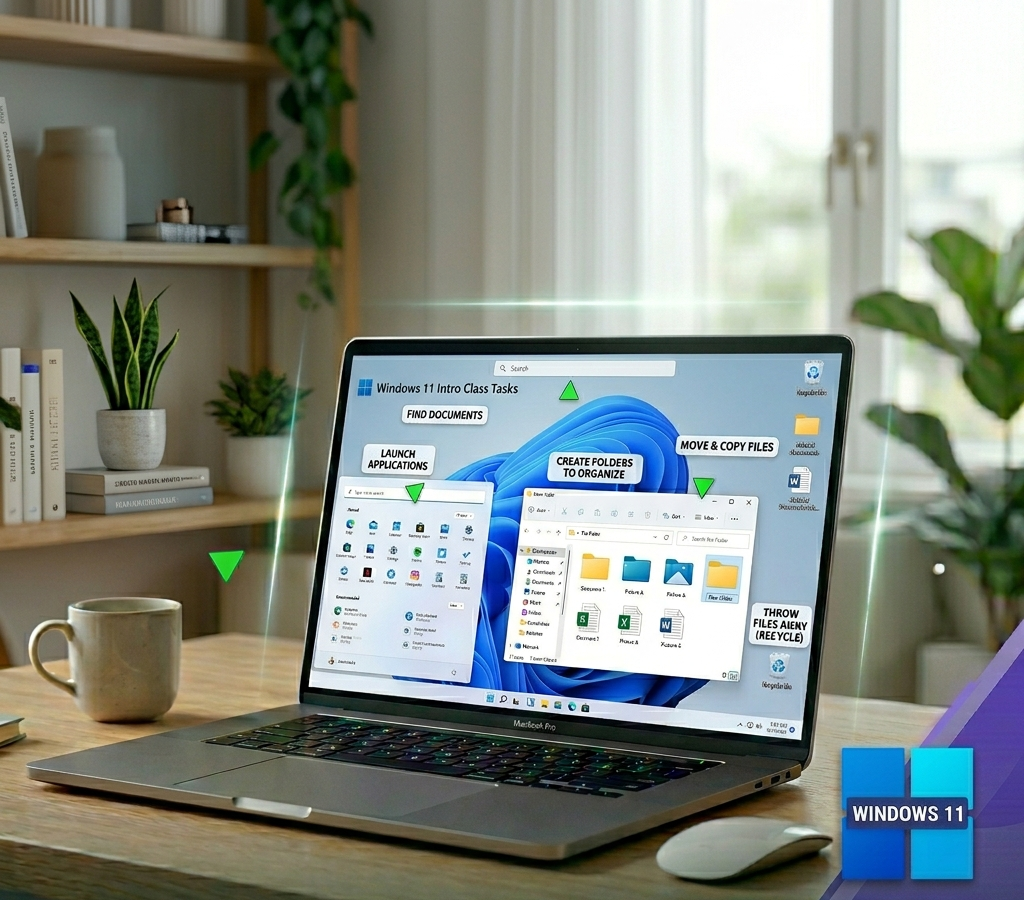
Windows
The Windows operating system software on your computer lets you find documents, launch applications, create folders to organize your files, move and copy files, throw files away, and more. Knowing your way around your computer's operating system is key to using your computer efficiently.
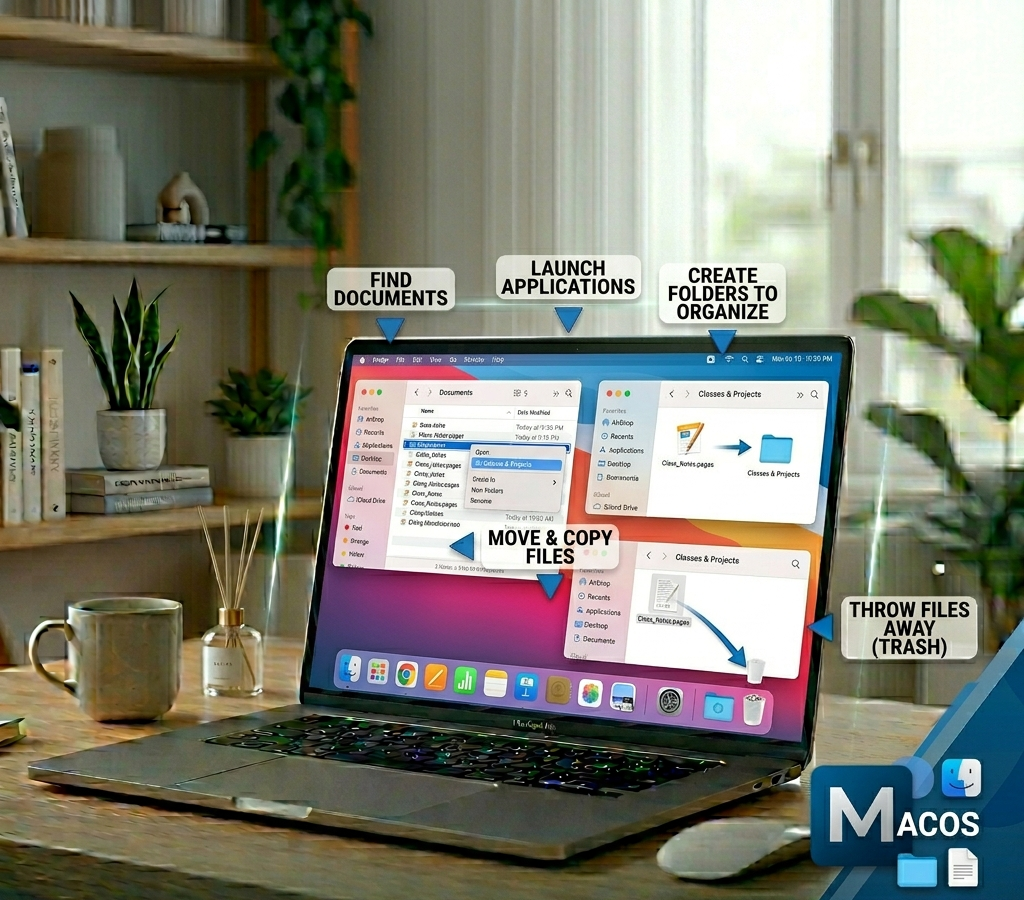
Mac OS
The Mac operating system lets you find documents, launch applications, create folders to organize your files, move and copy files, throw files away, and more. Knowing your way around your computer's operating system is key to using your computer efficiently.
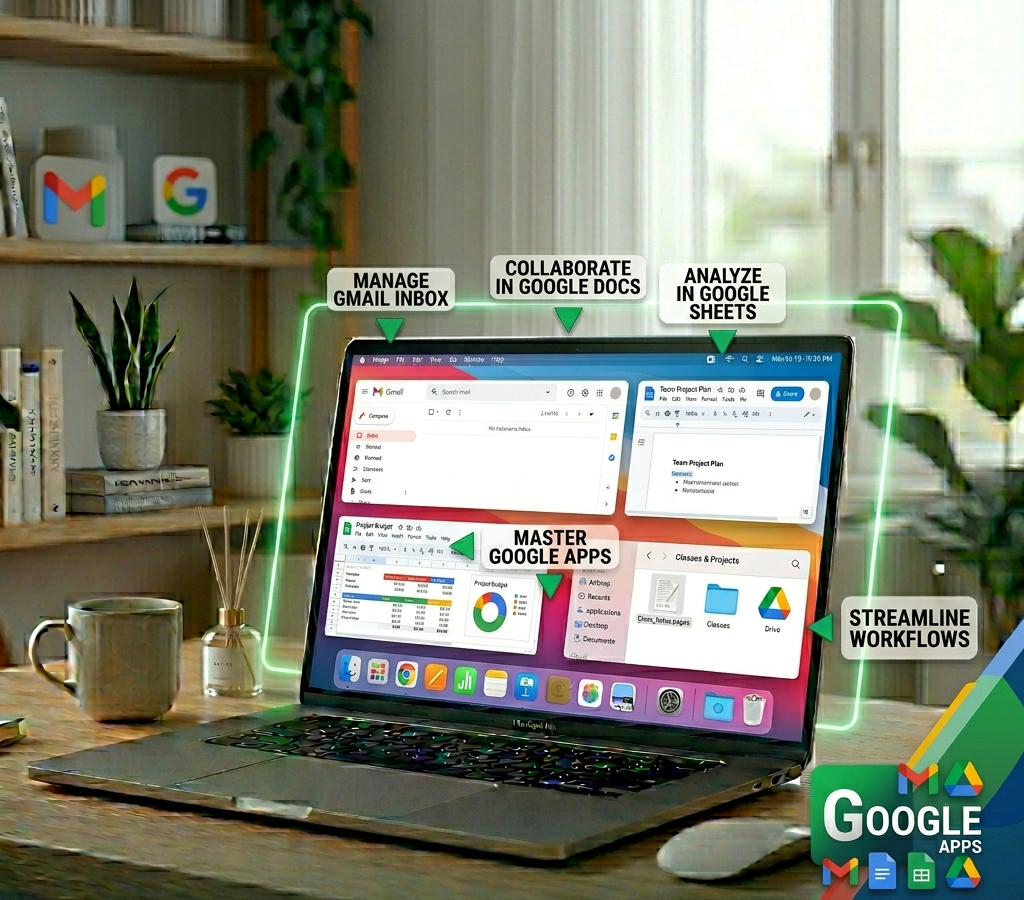
Google Apps
The Google Apps, including Gmail, Docs, Sheets, Calendar, Notes, Tasks, and Drive, provide a web-based suite of tools to create, store, and collaborate on your files, stay connected with your colleagues and keep up-to-date with your schedule and tasks, all for free from anywhere on the Internet.
FileMaker Development
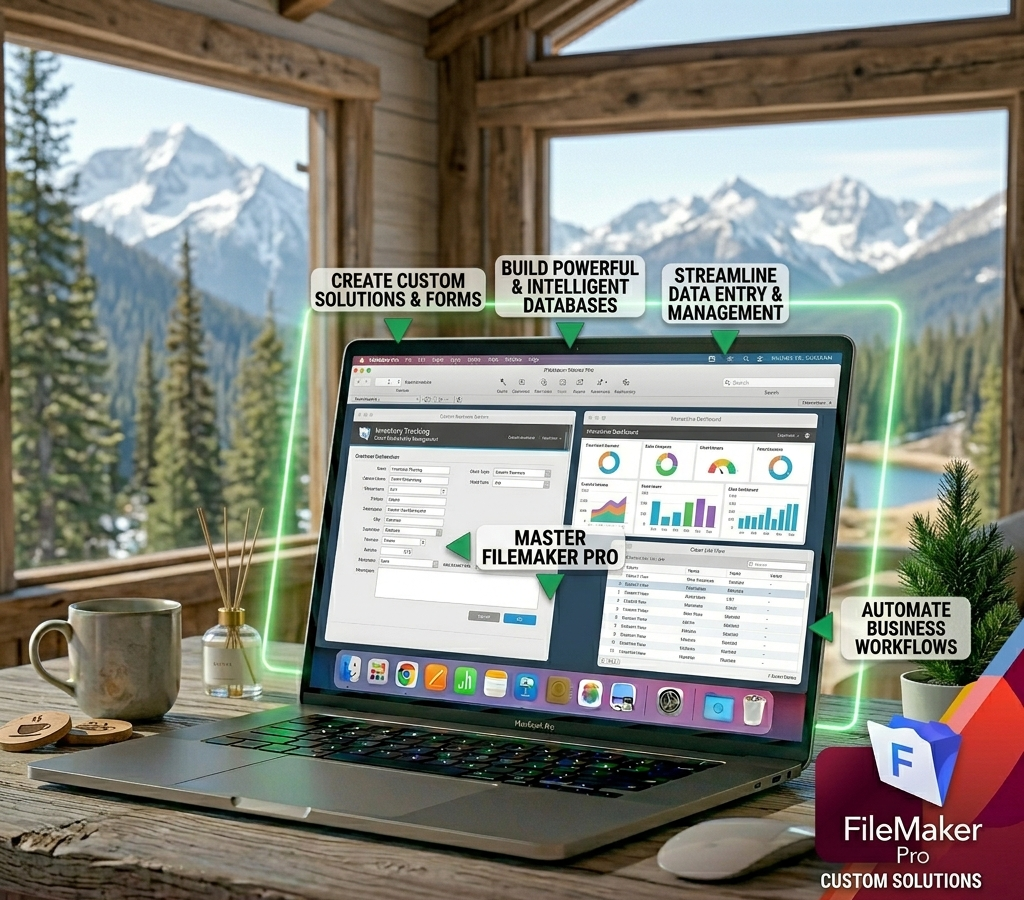
FileMaker Pro
FileMaker Pro is a cross-platform, multi-user relational database development tool that is powerful and easy to use. Accelerate Computer Training is uniquely qualified to deliver hands-on training classes designed to take you to the next level of FileMaker expertise and prepare you for the FileMaker Certified Developer exam.